Keychron K8 Pro Review
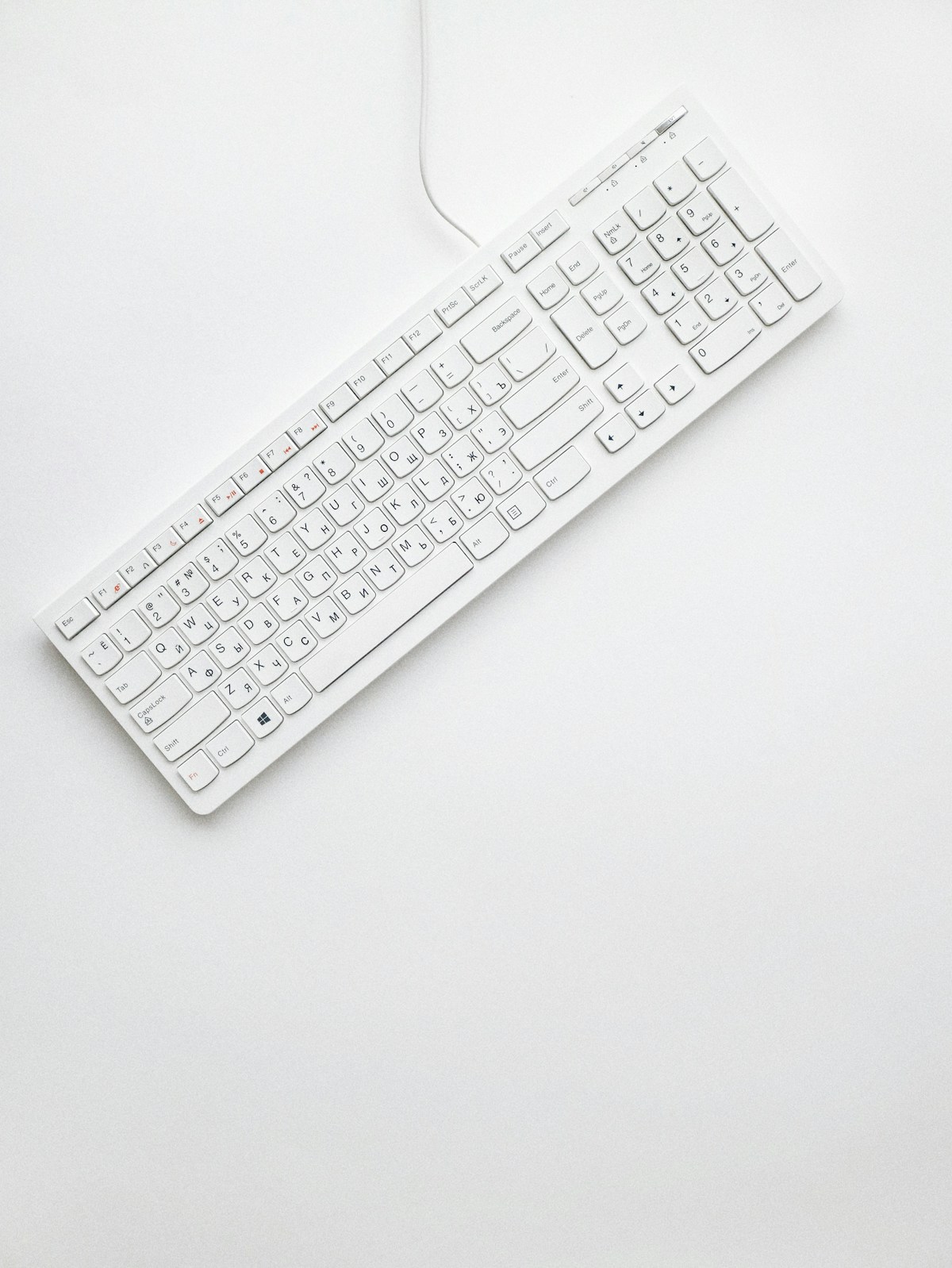
The Keychron K8 Pro is a wireless TKL (tenkeyless) mechanical keyboard that works with Mac and Windows, supports hot-swappable switches, and comes at a price that undercuts many competitors. Whether you're a typist, developer, or light gamer, it's a strong value pick. Keychron has built a reputation for delivering mechanical quality without the premium price, and the K8 Pro continues that trend. We've used it daily for weeks. Here's our review.
Design & Build Quality
The K8 Pro has a clean, minimal design with a slim profile that fits well on crowded desks. The case is plastic but feels sturdy—no flex or creak during typing. The keycaps are double-shot PBT for durability and resistance to shine. It's available in several switch types (Red, Brown, Blue); we tested the Brown variant for a balance of tactility and quietness. The keyboard supports both Bluetooth and wired USB-C, and you can switch between three Bluetooth devices with a key combination. Mac/Windows key legends are included, and the keycap puller in the box makes switch swapping easy. The overall build is not as premium as an aluminum board, but for the price it's impressive.

Performance
Typing feel is solid and consistent. Key wobble is minimal, and the stabilizers on the spacebar and larger keys are acceptable for the price—not the best we've used, but far from the worst. The hot-swap PCB means you can change switches without soldering; if you later want linear Reds or clicky Blues, you can swap in minutes. Latency in wireless mode is low enough for typing and casual gaming; competitive gamers might prefer wired for the absolute minimum delay. The K8 Pro is a strong daily driver for anyone who wants mechanical feel without breaking the bank.
Display / Screen
The K8 Pro doesn't have a display—it's a keyboard. What you do get is a clear LED indicator for Caps Lock and connection status (Bluetooth vs wired). The indicators are small and unobtrusive. For a keyboard, that's all most users need; there's no onboard screen for settings or profiles, but Keychron keeps the design simple and focused.
Battery Life
Battery life in wireless mode is strong. We got well over a week of heavy use (eight-hour days) between charges. Keychron doesn't publish exact capacity, but in practice the K8 Pro is one of the better wireless mechanical keyboards for longevity. When the battery is low, an indicator lights up and you can switch to wired USB-C to keep working while it charges. There's no wireless charging; you'll use the included cable. For most users, charging every one to two weeks is sufficient.
Features
You get Bluetooth 5.1 with multi-device pairing (up to three devices), USB-C wired mode, and hot-swappable 5-pin sockets for standard MX-style switches. The keyboard has a row of function keys that double as media controls via the Fn key—volume, play/pause, and so on. There are no dedicated media keys, which keeps the layout compact but means a few more key combos to learn. The K8 Pro is QMK/VIA compatible in some variants, so enthusiasts can remap keys and create layers. Out of the box it works with Mac and Windows; a small switch on the side toggles the modifier keys. The feet offer two incline angles, and the keyboard is relatively low profile.
Pros and Cons
Pros
- Hot-swappable switches; great value
- Bluetooth and USB-C; Mac and Windows
- Good battery life and build for the price
Cons
- No dedicated media keys (uses Fn combos)
- Plastic case; not as premium as metal boards
Final Verdict
The Keychron K8 Pro is our top value pick for a wireless mechanical keyboard with hot-swap and cross-platform support. If you want to try mechanical keyboards or need a reliable TKL without spending a fortune, the K8 Pro delivers. We recommend it for developers, writers, and anyone who types a lot and wants a step up from membrane or cheap mechanical boards—without the cost of a high-end custom.